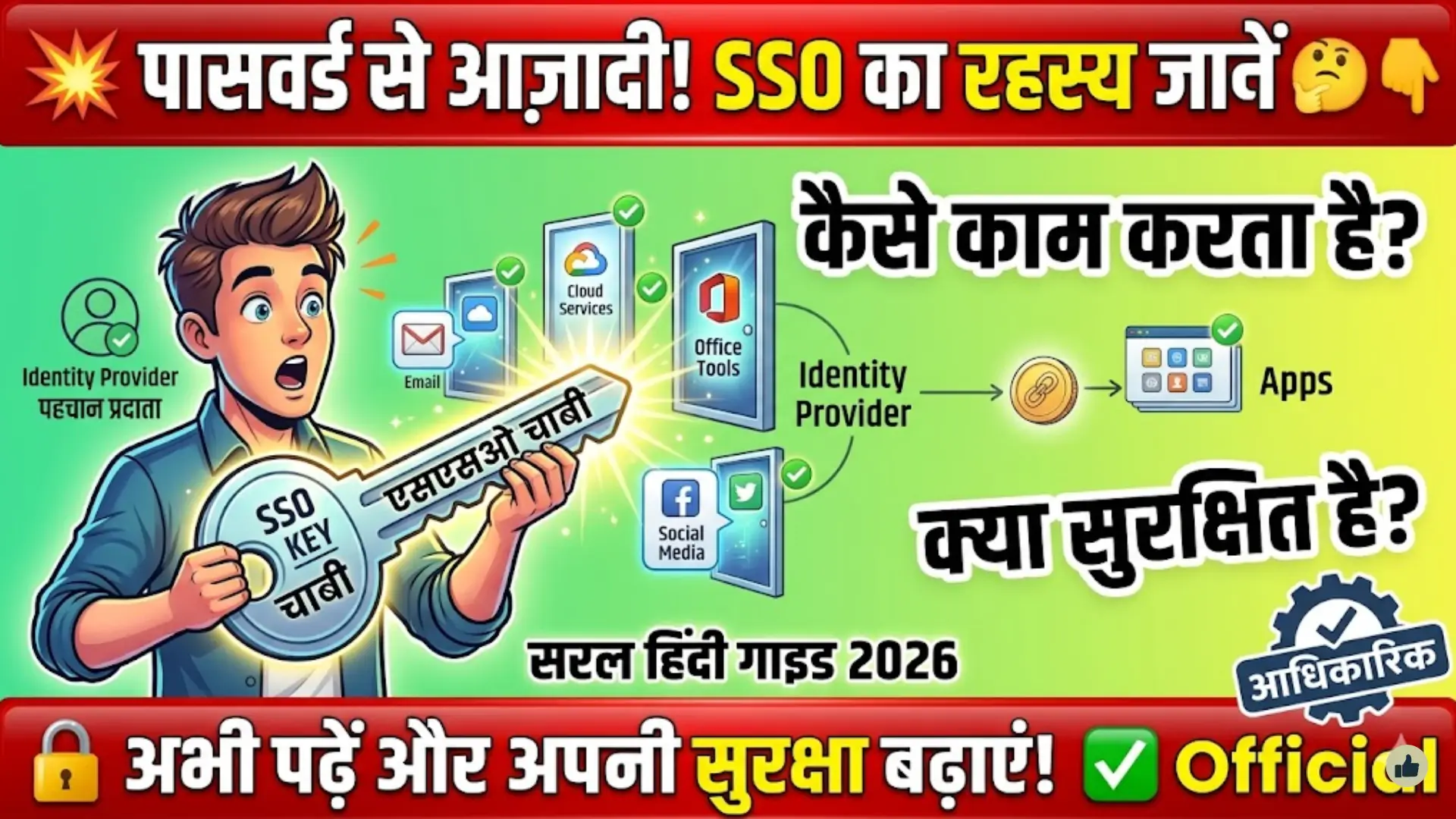
SSO Authentication for Beginners
SSO Authentication for Beginners: Single Sign-On (SSO) authentication is changing how users access applications. Instead of remembering multiple usernames and passwords, SSO allows you to log in once and access many systems securely. In 2026, SSO is widely used in businesses, apps, and cloud platforms because it improves both user experience and security.
This beginner-friendly guide explains what SSO is, how it works, its benefits, and how you can implement it in real-world applications. The goal is to make complex concepts simple and practical.
AI-Powered SSO Authentication 2026: The Smart Login Revolution Replacing Passwords Forever

Future of SSO Authentication 2026: The Rise of Passwordless, AI-Driven Identity Security
What Is SSO Authentication?
SSO (Single Sign-On) is an authentication method that allows users to log in once and gain access to multiple applications without logging in again. It works by creating a trusted connection between an identity provider and multiple service providers.
When a user logs in through SSO, the system verifies their identity and then shares that authentication across all connected platforms. This eliminates repeated login prompts and simplifies access management.
- One login for multiple apps
- Reduces password fatigue
- Centralized authentication system
- Common in enterprise and SaaS platforms
How SSO Authentication Works
SSO works through a trust relationship between systems. There are usually two main components: the Identity Provider (IdP) and the Service Provider (SP).
When a user tries to access an application, they are redirected to the identity provider. After successful login, the identity provider sends a secure token back to the application, granting access without asking for credentials again.
SSO Hacked: What Really Happens Next in Your Digital Identity
- User requests access to an app
- Redirected to identity provider
- Login is verified once
- Token is shared with other apps
This process happens quickly in the background, giving users a seamless experience.
Key Components of SSO Systems
Understanding the main parts of SSO helps beginners grasp how the system operates in real environments.
The identity provider manages user credentials and authentication. Service providers are the apps or platforms users want to access. Tokens and protocols ensure secure communication between these components.
- Identity Provider (IdP): Handles login and identity
- Service Provider (SP): Provides services or apps
- Authentication Token: Confirms user identity
- Protocols: SAML, OAuth, OpenID Connect
Benefits of Using SSO Authentication
SSO is popular because it improves both user convenience and organizational security. Businesses use it to simplify access and reduce risks related to weak passwords.
Rajasthan SSO Portal Made Simple: Step-by-Step Guide to Create and Use Your ID
Users benefit from faster logins, while IT teams benefit from easier management of user access and permissions.
- Better user experience with one-click login
- Fewer passwords to remember
- Reduced risk of password reuse
- Centralized access control
- Improved productivity
SSO vs Traditional Login System
Understanding the difference between SSO and traditional login systems helps beginners see its value clearly.
| Feature | SSO Authentication | Traditional Login System |
|---|---|---|
| Login Frequency | Once | Multiple times |
| User Experience | Smooth and fast | Repetitive and slow |
| Security | Centralized control | Decentralized risk |
| Password Management | Minimal | Complex |
| Productivity | High | Lower |
SSO clearly provides a more efficient and secure approach compared to traditional methods.
Fathom Video SAML SSO Integration: Step-by-Step CyberArk Identity Configuration Guide
Common SSO Protocols Explained
SSO relies on standard protocols to ensure secure communication between systems. Each protocol serves a different purpose depending on the application type.
SAML is widely used in enterprise environments. OAuth is popular for API access, and OpenID Connect adds authentication on top of OAuth.
- SAML: Best for enterprise SSO
- OAuth: Used for authorization
- OpenID Connect: Modern authentication layer
These protocols make SSO flexible and adaptable across platforms.
Challenges of SSO Authentication
While SSO offers many benefits, it also comes with some challenges that beginners should understand.
If the SSO system fails, access to all connected applications can be affected. Also, if a single account is compromised, multiple systems may be at risk.
- Single point of failure
- Higher initial setup complexity
- Security dependency on one system
- Requires proper implementation
CyberArk Privilege Cloud User Portal SAML SSO Configuration Guide
Despite these challenges, proper configuration can minimize risks.
How to Implement SSO in Applications
Implementing SSO requires planning and choosing the right tools. Developers typically integrate identity providers and configure authentication protocols.
Modern platforms provide built-in SSO support, making implementation easier than before.
- Choose an identity provider
- Select a protocol (SAML, OAuth, OIDC)
- Configure application integration
- Test authentication flow
- Monitor and maintain security
With the right setup, SSO can be deployed efficiently.
Real-World Use Cases of SSO
SSO is used in many industries, especially where multiple systems are involved. It is common in workplaces, educational platforms, and cloud services.
Companies use SSO to give employees access to tools, while users benefit from simplified login experiences across apps.
- Corporate employee portals
- Cloud-based applications
- Online learning platforms
- Healthcare systems
- Banking and finance apps
Single Sign-On (SSO) Implementation in Web Applications
FAQs
What is SSO in simple words?
SSO allows you to log in once and access multiple apps without logging in again.
Is SSO secure?
Yes, when properly implemented, it improves security by reducing password risks.
What are examples of SSO?
Logging into multiple apps using one Google or Microsoft account is a common example.
Does SSO replace passwords completely?
No, it reduces the need for multiple passwords but still uses secure authentication.
Who should use SSO?
Businesses, developers, and platforms managing multiple applications should use SSO.
Conclusion
SSO authentication is a powerful solution for modern digital systems. It simplifies login processes while improving security and efficiency. For beginners, understanding how SSO works is the first step toward building or using secure applications in 2026.
As technology evolves, SSO continues to play a key role in secure and seamless user experiences across platforms.
You Can Also Read: SSO vs Traditional Login Systems: