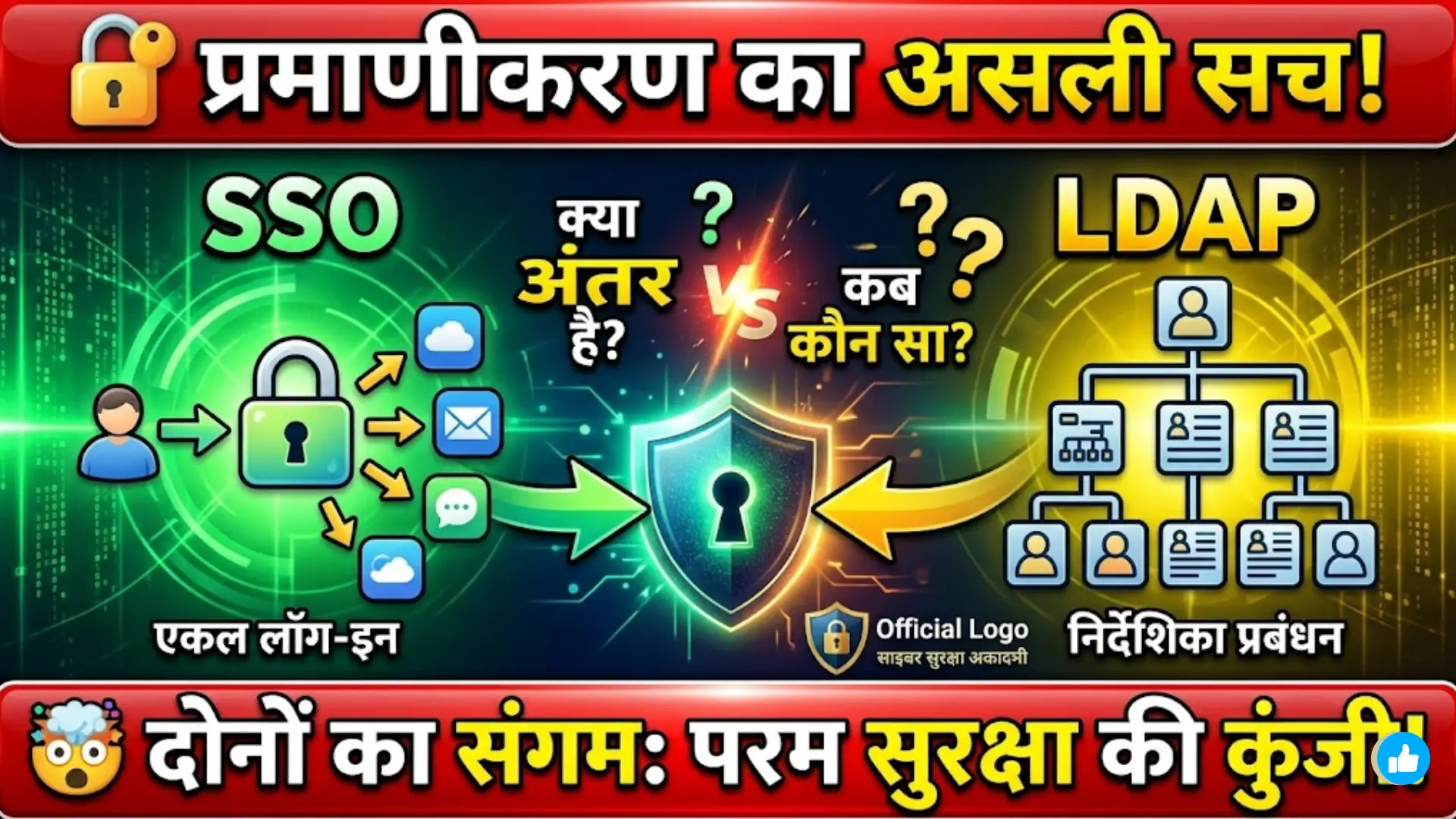
SSO vs LDAP Authentication
SSO vs LDAP Authentication: Authentication systems are the backbone of modern digital security. Every application, website, or enterprise system needs a reliable way to verify user identity before granting access. Two widely used technologies in this space are Single Sign-On (SSO) and LDAP (Lightweight Directory Access Protocol). Both are designed to manage user authentication, but they work in different ways and serve different purposes.
SSO focuses on simplifying user access by allowing one login for multiple applications, while LDAP is more about centralized directory management of user credentials and permissions. Understanding the difference between them is essential for organizations that want to improve security and user experience at the same time.
वेब सिंगल साइन-ऑन (SSO): आधुनिक डिजिटल एक्सेस के लिए सुरक्षित ऑथेंटिकेशन सिस्टम

What is SSO Authentication?
Single Sign-On (SSO) is an authentication method that allows users to log in once and gain access to multiple connected systems without re-entering credentials. It improves user convenience and reduces password fatigue.
SSO is commonly used in organizations where employees need to access multiple internal tools like email, CRM, project management, and cloud services. Instead of logging in separately for each system, SSO creates a single authentication session.
Rajasthan SSO ID 2026 गाइड: एक लॉगिन से सभी सरकारी सेवाएं, Registration, Login और Recovery Process
Key benefits of SSO include:
- Reduced password fatigue for users
- Faster access to multiple applications
- Improved productivity in organizations
- Lower risk of weak password usage
SSO works by using a central identity provider that verifies user credentials and issues authentication tokens. These tokens are then used to access different services without requiring repeated login.
What is LDAP Authentication?
LDAP (Lightweight Directory Access Protocol) is a protocol used to access and manage directory information services over a network. It is commonly used to store user credentials, permissions, and organizational data in a centralized directory.
Unlike SSO, LDAP itself does not provide single login access across multiple systems. Instead, it acts as a database where authentication data is stored and retrieved by applications.
Desert Nutrition Mission: The Role of Rajasthan Food Department
LDAP is widely used in enterprise environments for:
- Centralized user management
- Access control policies
- Organizational directory services
- Authentication validation for applications
LDAP is highly efficient for structured data management and is often integrated with other authentication systems like SSO to improve overall security and usability.
Create SSO ID Rajasthan 2026: Complete Step-by-Step Guide
Key Differences Between SSO and LDAP
SSO and LDAP are often confused because both deal with authentication, but their roles are different. SSO is user-centric, while LDAP is directory-centric.
Here is a simple comparison:
| Feature | SSO | LDAP |
|---|---|---|
| Purpose | Single login access | Directory management |
| Function | Authentication across apps | Stores user credentials |
| User Experience | High convenience | Moderate convenience |
| Integration | Works with multiple systems | Used by systems for validation |
| Technology Type | Authentication method | Protocol |
SSO improves usability, while LDAP strengthens backend data management. Many organizations use both together for better performance and security.
SSO ID Verification Problems and Their Easy Solutions
How SSO and LDAP Work Together
In many enterprise systems, SSO and LDAP are used in combination. LDAP stores user credentials and organizational data, while SSO uses this information to authenticate users across multiple platforms.
This integration allows businesses to achieve both centralized data control and seamless user access. LDAP acts as the foundation, while SSO acts as the access layer.
Benefits of combining both systems:
- Stronger security architecture
- Centralized identity management
- Seamless user login experience
- Easier system administration
When properly integrated, this combination reduces IT workload and improves system efficiency significantly.
Advantages of Using SSO
SSO is highly popular in modern cloud-based environments due to its simplicity and user-friendly nature. It eliminates the need to remember multiple passwords, which reduces login friction.
Some key advantages include:
- Improved user experience
- Reduced password reset requests
- Better security through centralized authentication
- Easy integration with cloud applications
SSO is especially useful for companies using SaaS tools and remote work environments.
E Mitra Rajasthan 2026: Complete Guide for Login, Registration, Status Check and Online Services
Advantages of Using LDAP
LDAP is a powerful protocol for managing large-scale user directories. It is highly efficient in storing structured information and ensuring secure access control.
Its main advantages are:
- Centralized directory management
- Scalable for large organizations
- Strong support for access policies
- High performance in authentication queries
LDAP is often used in corporate IT infrastructures where security and structure are critical.
SSO vs Federation: Key Differences, Architecture, Zero Trust, and Shared Device Security Explained
Challenges of SSO and LDAP
While both systems are powerful, they also come with certain limitations. SSO can become a single point of failure if not properly secured, while LDAP requires technical expertise to manage effectively.
Common challenges include:
- SSO dependency on identity provider uptime
- LDAP complexity in configuration
- Integration issues with legacy systems
- Security risks if improperly configured
Organizations must carefully plan implementation to avoid these issues.
Conclusion
SSO and LDAP are both essential components of modern authentication systems, but they serve different purposes. SSO focuses on simplifying user access across multiple applications, while LDAP provides a strong foundation for managing user identities and permissions.
Choosing between them depends on organizational needs, but in most cases, using both together delivers the best results in terms of security, efficiency, and user experience.
YOU CAN ALSO READ: Advantages and Disadvantages of SSO (Single Sign-On): A Complete Guide for Beginners