Single Sign-On (SSO) in Microsoft Entra ID
Single Sign-On (SSO) in Microsoft Entra ID is an authentication method that allows users to sign in once and access multiple applications without entering their credentials repeatedly. Instead of managing separate usernames and passwords for every application, users can rely on a single work account to access all assigned resources.
Microsoft Entra ID acts as the identity provider that verifies user identities and securely grants access to connected applications. This approach improves security, simplifies user management, and creates a seamless experience for both organizations and software providers. As businesses continue to adopt cloud and hybrid environments, Single Sign-On in Microsoft Entra ID has become an essential part of modern identity management.
SSO ID Login(Login, Registration, Password Reset)
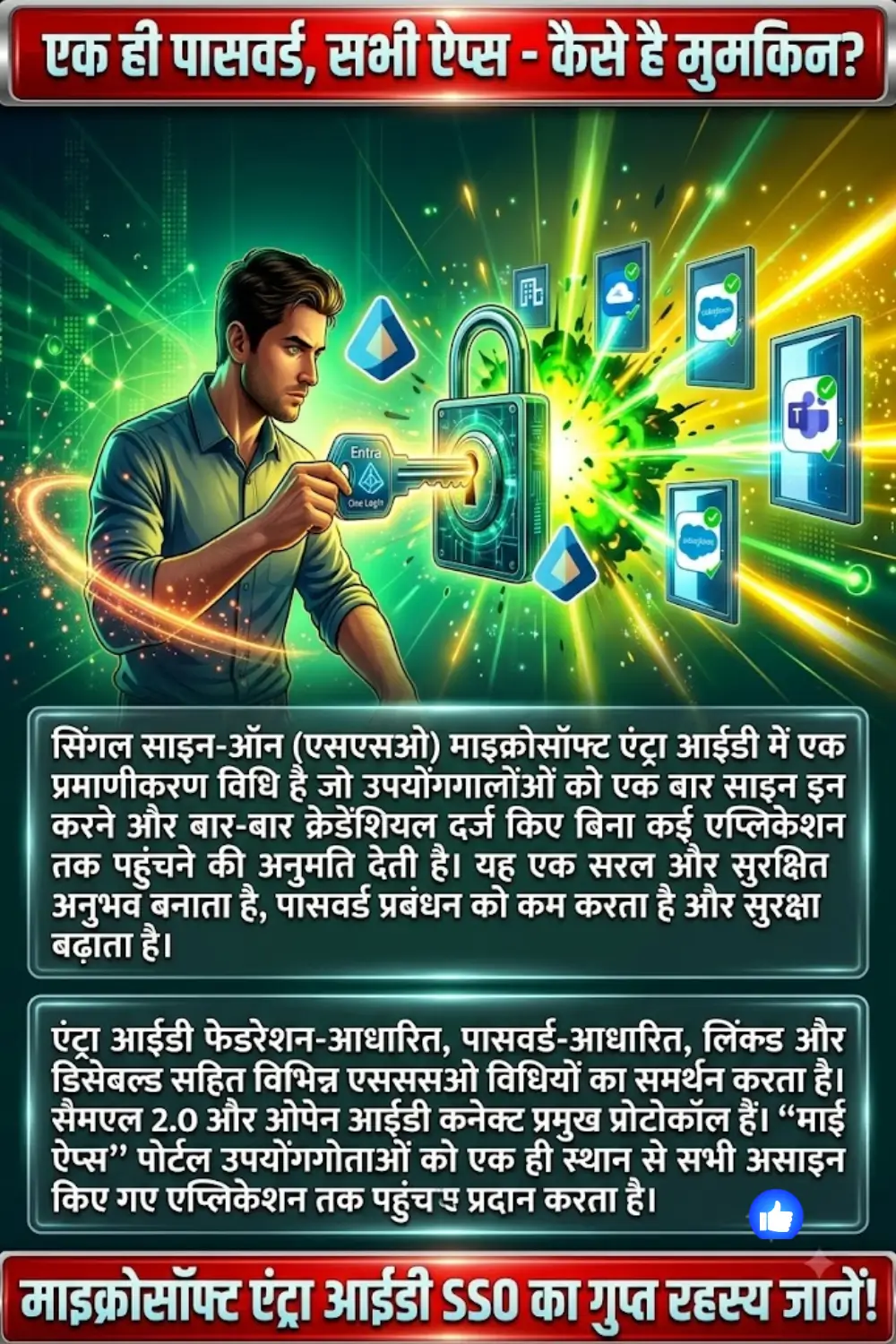
Understanding Single Sign-On in Microsoft Entra ID
Single Sign-On in Microsoft Entra ID enables users to authenticate once and gain access to multiple applications during the same session. After successful authentication, Microsoft Entra ID confirms the user’s identity to other authorized applications without requiring additional sign-ins. This reduces login interruptions and improves productivity.
For organizations, centralized authentication means applications no longer need to maintain separate user credential databases. Microsoft Entra ID becomes the trusted source for identity verification, helping companies maintain consistent access policies across their digital environment.
Key features include:
- One login for multiple applications
- Centralized identity verification
- Reduced password management
- Improved user convenience
Why Use Single Sign-On in Microsoft Entra ID?
Single Sign-On provides significant advantages for both software vendors and organizations. For Independent Software Vendors (ISVs), SSO helps make applications more attractive to enterprise customers. Many businesses prefer solutions that integrate directly with their existing identity systems, reducing deployment complexity and administrative work.
Organizations and end users also benefit from a simplified authentication experience. Users spend less time signing in and managing passwords, while administrators gain centralized control over application access. This reduces security risks associated with multiple passwords and lowers support costs related to account management.
कैसे Seamless SSO Authentication Workflows सुरक्षित लॉगिन सिस्टम को बदल रहे हैं
Benefits of Single Sign-On include:
- Better user experience
- Stronger security controls
- Simplified application onboarding
- Centralized access management
- Reduced help desk workload
Benefits for ISV Application Providers
For ISVs, integrating Single Sign-On in Microsoft Entra ID can increase product adoption among enterprise customers. Organizations often evaluate authentication capabilities before purchasing software, making SSO an important competitive advantage. Applications that support enterprise identity integration are generally easier to deploy and maintain.
SSO also reduces the burden of managing user credentials within the application itself. Instead of creating and maintaining separate user databases, ISVs can rely on the customer’s identity provider for authentication. This simplifies development, improves security, and reduces long-term support requirements.
| Benefit | Description |
|---|---|
| Enterprise Readiness | Meets common enterprise authentication requirements |
| Faster Onboarding | Simplifies customer deployment processes |
| Competitive Advantage | Improves appeal to business customers |
| Easier User Management | Reduces dependency on internal user databases |
SSO in 2026 Explained: Benefits, SAML Workflow, and Future of Secure Login Systems
Benefits for Organizations and End Users
Organizations use Single Sign-On to create a more secure and efficient digital workplace. Employees can access required applications using one set of credentials, reducing login frustration and increasing productivity. Fewer passwords also mean fewer opportunities for weak password practices.
Administrators gain better visibility and control over application access. Since authentication is centralized, security policies can be applied consistently across all connected systems. This helps strengthen security while reducing administrative effort.
Major advantages include:
- Fewer passwords to remember
- Faster access to applications
- Improved security enforcement
- Centralized user management
- Lower support costs
Single Sign-On Options in Microsoft Entra ID
Microsoft Entra ID supports multiple SSO methods to accommodate different application requirements. The most suitable option depends on how an application authenticates users and where it is hosted. Cloud-based, on-premises, and hybrid applications may each require different approaches.
Organizations can choose from federation-based SSO, password-based SSO, linked SSO, or disabled SSO depending on their technical and business needs. Each method provides a different level of integration and user experience.
SSO Login Rajasthan: Advanced Insights, Hidden Features and Future Scope
| SSO Method | Primary Use Case |
|---|---|
| Federation-Based SSO | Modern and enterprise applications |
| Password-Based SSO | Legacy and non-federated applications |
| Linked SSO | Migration and transition scenarios |
| Disabled SSO | Testing or independent authentication |
Federation-Based SSO
Federation-based SSO is considered the most advanced and integrated authentication method available in Microsoft Entra ID. It allows Microsoft Entra ID to authenticate users and securely send identity information to applications through standard protocols. This creates a seamless experience where users can move between applications without repeated sign-ins.
This approach is commonly used by organizations that require strong security, centralized identity management, and compatibility with enterprise systems. Federation-based SSO supports both SAML 2.0 and OpenID Connect, allowing organizations to select the protocol that best fits their environment.
Google Samal SSO Integration for Feeder (Step by Step Setup Guide)
Key advantages include:
- Secure identity sharing
- Enterprise-grade authentication
- Centralized access control
- Broad application compatibility
SAML 2.0 Single Sign-On
Security Assertion Markup Language (SAML) 2.0 is a widely adopted XML-based authentication standard. It is commonly used in enterprise environments where organizations need to exchange detailed user identity information securely between systems.
Many traditional web applications support SAML because of its maturity and extensive enterprise adoption. Organizations that rely on established identity infrastructures often choose SAML due to its proven reliability and broad compatibility.
SSO Password भूल गए? राजस्थान SSO पासवर्ड रिकवरी की आसान और अपडेटेड गाइड
Common uses include:
- Enterprise web applications
- Legacy business systems
- Detailed user attribute sharing
- Large-scale corporate environments
OpenID Connect (OIDC) Single Sign-On
OpenID Connect (OIDC) is a modern authentication protocol built on OAuth 2.0. It uses lightweight JSON-based tokens, making it ideal for today’s web applications, mobile applications, and APIs. Developers often prefer OIDC because it integrates easily with modern development frameworks.
OIDC provides authentication while supporting authorization scenarios needed by modern applications. Its simplicity and flexibility make it a popular choice for organizations adopting cloud-first and mobile-first strategies.
Benefits of OIDC include:
- Modern architecture
- Support for mobile applications
- API-friendly authentication
- Easier developer implementation
Password-Based Single Sign-On
Password-based SSO is designed for applications that do not support federation protocols such as SAML or OpenID Connect. In this model, Microsoft Entra ID securely stores user credentials and automatically submits them when users access the application.
This approach is especially useful for legacy applications and certain on-premises systems. When combined with Application Proxy, password-based SSO can provide remote access to applications that would otherwise require separate authentication processes.
MySSO Login Dashboard: फीचर्स, लाभ, सुरक्षा और एक्सेस प्रक्रिया की पूरी गाइड
Advantages include:
- Support for older applications
- Simplified user experience
- Reduced credential entry
- Compatibility with on-premises systems
Linked SSO and Disabled SSO
Linked SSO provides users with a centralized location to access applications while organizations transition toward full SSO implementation. Although it does not offer true single sign-on functionality, it helps create a consistent user experience during migration projects.
Disabled SSO is typically used when organizations want applications to maintain independent authentication processes. This option is useful for testing environments or applications that do not require integrated identity management.
Common scenarios include:
- Application migration projects
- Temporary deployment phases
- Testing environments
- Independent authentication requirements
How Single Sign-On Works with Microsoft Entra ID
The Single Sign-On process in Microsoft Entra ID follows a simple but secure workflow. First, a user attempts to access an application. The application then redirects the user to Microsoft Entra ID for authentication. After the user’s credentials are verified, Microsoft Entra ID confirms the user’s identity and grants access to the application.
This process occurs automatically in the background, allowing users to move between applications without repeatedly entering credentials. Applications benefit because they do not need to manage passwords directly, while organizations gain centralized control over authentication.
SSO.ID Registration Guide: आसान साइन अप, लॉगिन और प्रोफाइल मैनेजमेंट पूरी जानकारी
The process typically follows these steps:
- User requests application access.
- Application redirects to Microsoft Entra ID.
- User identity is verified.
- Access is granted to the application.
Planning a Single Sign-On Deployment
Successful SSO deployment requires careful planning based on application hosting models and business requirements. Cloud applications commonly use federation protocols such as SAML or OpenID Connect because they support modern authentication standards and centralized identity management.
On-premises applications may require federation-based authentication or password-based SSO through Application Proxy. Hybrid environments often combine multiple approaches to ensure compatibility across different systems while maintaining a consistent user experience.
Deployment considerations include:
- Application hosting location
- Authentication protocol support
- Security requirements
- User access needs
- Future scalability
SSO Rajasthan Gov In Login (sso.rajasthan.gov.in) Complete Guide
My Apps Portal and User Experience
The My Apps portal serves as a centralized location where users can access all assigned applications. Instead of remembering multiple URLs and credentials, users can view and launch authorized applications from a single interface.
This portal improves productivity by simplifying application discovery and access. Organizations benefit because users spend less time searching for applications and requesting access assistance from support teams.
Benefits of the My Apps portal include:
- Centralized application access
- Simplified user navigation
- Faster application launch
- Improved productivity
Conclusion
Single Sign-On in Microsoft Entra ID simplifies authentication by allowing users to access multiple applications with a single set of credentials. By centralizing identity verification, organizations can improve security, reduce administrative overhead, and create a smoother user experience.
Whether using federation-based SSO, password-based SSO, or hybrid deployment models, Microsoft Entra ID provides flexible options to support different business requirements. As organizations continue to expand their digital environments, implementing Single Sign-On remains an effective strategy for improving both security and productivity.
एक से ज़्यादा SSO ID को ऑनलाइन कैसे मर्ज करें – स्टेप-बाय-स्टेप पूरी गाइड
FAQs
What is Single Sign-On in Microsoft Entra ID?
Single Sign-On allows users to authenticate once and access multiple applications without signing in again. Microsoft Entra ID manages identity verification and access control.
Why is Single Sign-On important for organizations?
It improves security, reduces password-related issues, and simplifies access management. Organizations can centrally control authentication across applications.
What protocols are supported by Microsoft Entra ID for SSO?
Microsoft Entra ID supports SAML 2.0 and OpenID Connect for federation-based authentication. These protocols work with a wide range of enterprise and modern applications.
What is the difference between SAML and OpenID Connect?
SAML is an XML-based protocol commonly used in enterprise environments, while OpenID Connect uses JSON-based tokens and is designed for modern applications and APIs.
Can legacy applications use Single Sign-On?
Yes. Password-based SSO allows legacy applications to benefit from simplified authentication even if they do not support federation protocols.
What is the My Apps portal?
The My Apps portal is a centralized dashboard where users can access all assigned applications. It simplifies application discovery and improves the overall user experience.
You Can Also Read: SSO ID Login(Login, Registration, Password Reset)